

Návody k obsluze V-Tac zdarma – čtěte, stahujte a tiskněte
17 Manuály
Manuály
1 Stránky

1 Stránky
1 Stránky
1 Stránky
2 Stránky
1 Stránky
1 Stránky
1 Stránky
1 Stránky
1 Stránky
1 Stránky

15 Stránky
14 Stránky

64 Stránky
1 Stránky
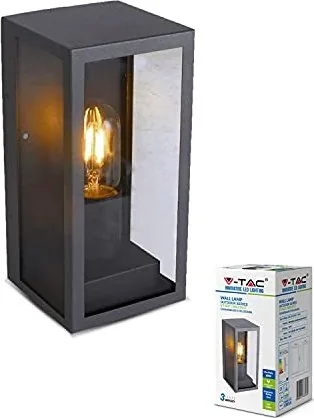
1 Stránky
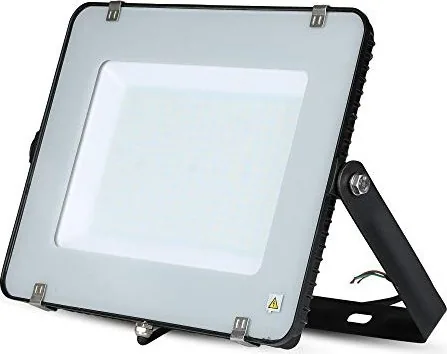
1 Stránky
Kategorie


V-Tac Manuals: The Complete Guide to Understanding, Installing, and Optimizing V-Tac Products
Introduction
V-Tac manuals are your definitive resources for installing, configuring, and maintaining V-Tac lighting and electrical products. Whether you are an electrician, facilities manager, retailer, or a DIY user, these manuals provide step-by-step instructions, safety precautions, product specifications, troubleshooting tips, and compliance information. This guide explains what V-Tac manuals contain, how to use them effectively, and how they help ensure optimal performance, safety, and longevity of V-Tac products.
What Are V-Tac Manuals?
V-Tac manuals are product-specific documents that accompany V-Tac’s LED lighting, smart lighting, drivers, power supplies, fixtures, emergency modules, and accessories. They typically include:
- Product overview and features
- Technical specifications
- Installation instructions
- Wiring diagrams
- Safety and compliance information
- Operating guidance
- Maintenance procedures
- Troubleshooting and FAQs
- Warranty and support details
Why V-Tac Manuals Matter
- Safety: Ensure correct wiring, mounting, and operation to prevent hazards.
- Performance: Achieve advertised brightness, efficiency, and lifespan.
- Compliance: Follow standards for electrical codes and certifications.
- Warranty: Proper installation and usage help maintain warranty validity.
- Efficiency: Reduce downtime with proper setup and quick troubleshooting.
Types of V-Tac Manuals
LED Bulbs and Lamps
Covers base types (E27, GU10, E14), dimming compatibility, voltage ranges (often 220–240V), and installation warnings such as turning power off before replacement and avoiding use in enclosed fixtures unless rated.
LED Panels and Downlights
Details cutout dimensions, mounting methods (recessed/surface/suspended), driver connections, and IP ratings. Includes guidelines for uniform light distribution, avoiding insulation coverage if not rated, and emergency kit integration.
LED Strips and Neon Flex
Explains voltage types (12V/24V), power calculations per meter, series/parallel wiring limits, aluminum profiles for heat dissipation, controller/dimmer pairing, and correct polarity. Notes maximum run lengths and voltage drop mitigation.
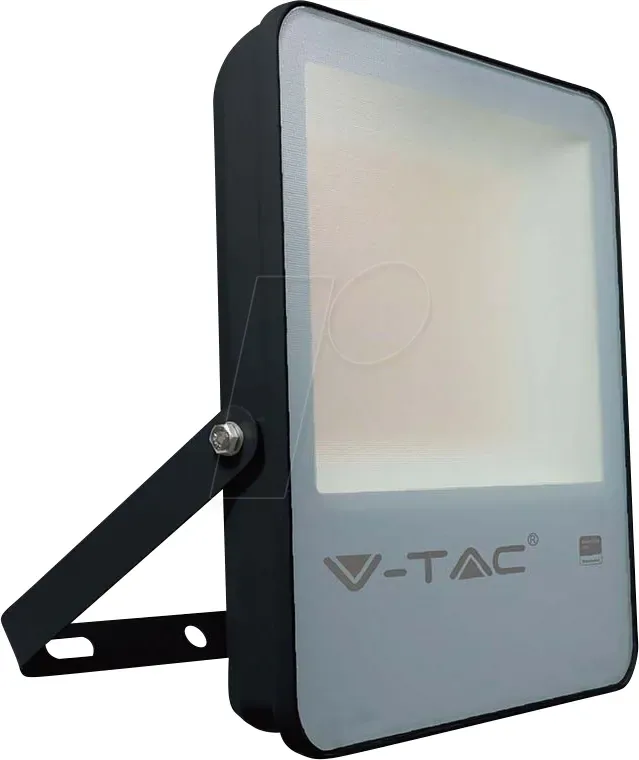
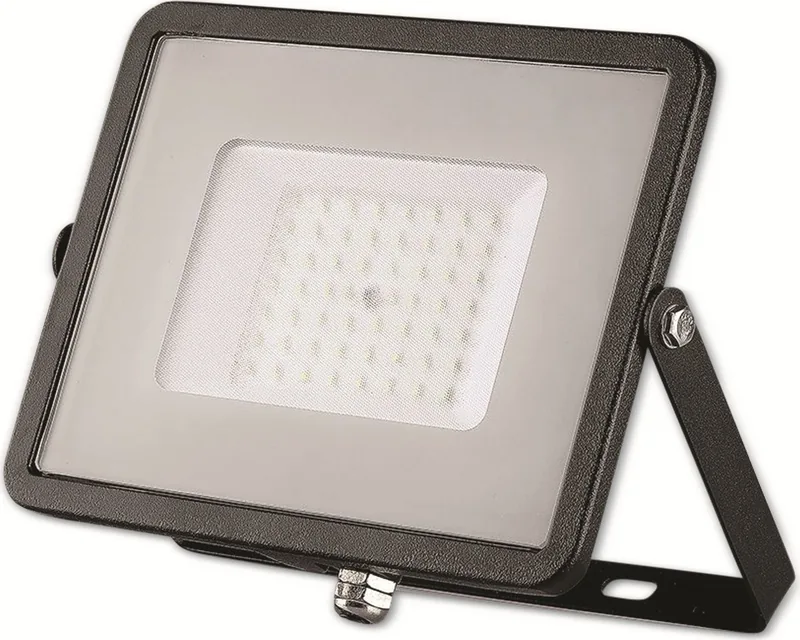
Floodlights and High Bays
Covers bracket mounting, recommended heights and beam angles, surge protection, environmental ratings (e.g., IP65+), and thermal management. Emphasizes securing fixtures and aiming to minimize glare and light spill.
Track Lights and Spotlights
Includes track standards, adapter compatibility, load limits, and locking mechanisms. Provides guidance on spacing, accent ratios, and color temperature selection for retail and galleries.
Smart Lighting (Wi-Fi/Bluetooth/Zigbee)
Provides pairing steps, app setup, voice assistant integration, firmware updates, and network requirements. Covers reset sequences, grouping, scheduling, and scenes.
Power Supplies, Drivers, and Controllers
Specifies constant current/constant voltage selection, output ranges, dimming methods (TRIAC, 0–10V, DALI, PWM), and wiring diagrams. Includes thermal limits, ventilation requirements, and short-circuit/overload protections.
Emergency Lighting and Kits
Details battery types, charging cycles, test procedures, duration ratings (e.g., 1–3 hours), maintained vs non-maintained modes, and regulatory testing intervals.
Sensors and Accessories
Explains PIR/microwave sensor placement, detection angles, time delay, daylight thresholds, and interference considerations. Covers mounting heights and masking for sensitivity tuning.
How to Use V-Tac Manuals Effectively
Before Installation
- Verify model number and variant.
- Check mains voltage, frequency, and dimming compatibility.
- Confirm IP rating suits the installation environment.
- Review load calculations to size drivers and circuits correctly.
- Inspect for included accessories and mounting hardware.
During Installation
- Isolate power and follow wiring diagrams precisely.
- Maintain proper cable sizing and secure terminations.
- Use appropriate tools, anchors, and brackets.
- Respect clearance for heat dissipation and airflow.
- Follow polarity and ground/earth connections.
After Installation
- Test operation, dimming smoothness, and control response.
- Verify beam alignment, glare control, and uniformity.
Ongoing Maintenance
- Clean optics and housings with non-abrasive materials.
- Inspect seals, gaskets, and fasteners periodically.
- Conduct emergency lighting tests per schedule.
- Update firmware for smart devices when available.
Key Sections Explained
Safety and Warnings
- Disconnect power before installation or service.
- Only qualified personnel should perform electrical work.
- Use in dry, damp, or wet locations only as rated.
- Avoid covering fixtures unless explicitly rated for insulation contact.
- Respect ambient temperature (Ta) limits and storage ranges.
Technical Specifications
- Power: Wattage, input voltage, frequency.
- Light: Lumen output, efficacy, CCT, CRI, beam angle, SDCM.
- Electrical: Power factor, THD, driver type, dimmable methods.
- Mechanical: Dimensions, weight, materials, mounting.
- Environmental: IP/IK ratings, operating temperature, lifetime (L70/B50).
Wiring and Diagrams
- Terminal labeling (L, N, PE) and polarity for DC outputs.
- Series vs parallel guidance for LEDs.
- Control signal connections for 0–10V, DALI, or PWM.
- Isolation and segregation of mains vs low-voltage cabling.
Installation Methods
- Recessed: Cutout sizes, spring clips, clearance.
- Surface: Brackets, screws, substrate suitability.
- Suspended: Wire rope safety, weight limits, leveling.
- Track-mounted: Adapter insertion, lock, and alignment.
Troubleshooting
- Flicker: Check dimmer compatibility, driver load, wiring.
- No light: Verify power, polarity, fuses, and driver outputs.
- Uneven brightness: Voltage drop, overlength runs, faulty segments.
- Overheating: Blocked ventilation, high ambient temperature, incorrect enclosure.
- Smart pairing issues: Reset sequences, network bands (2.4 GHz), app permissions.
Best Practices for Reliable Performance
- Match drivers to load with 10–20% headroom.
- Use surge protection where supply is unstable or outdoors.
- Keep DC cable runs short to minimize voltage drop.
- Select color temperature by application: 2700–3000K for ambience, 4000K for task, 5000–6500K for high-clarity zones.
- Choose CRI 90+ for retail, hospitality, and color-critical spaces.
- Plan maintenance access and emergency testing points.
- Document circuit layouts and label components.
Energy Efficiency and Sustainability
- Utilize high-efficacy luminaires and dimming controls.
- Implement occupancy and daylight sensors.
- Use scheduling and scenes to minimize runtime.
- Select recyclable materials and RoHS-compliant products.
- Track energy usage where smart systems support analytics.
Understanding Ratings and Certifications
- IP Rating: Protection against dust and water (e.g., IP20 indoor dry, IP65 outdoor).
- IK Rating: Impact resistance for rugged environments.
- CE/UKCA: Conformity to regional directives and safety standards.
- RoHS: Restriction of hazardous substances.
- Class I/II/III: Earthing and insulation classifications.
- EMC: Electromagnetic compatibility compliance.
Smart Ecosystem Integration
- Ensure 2.4 GHz Wi-Fi availability for many smart models.
- Use compatible hubs for Zigbee or other mesh systems.
- Group luminaires by zone and function.
- Configure automations: motion-activated hallways, daylight-harvesting offices, nighttime scenes.
- Keep firmware updated to improve stability and security.
Common Installation Scenarios
Residential
- Retrofit GU10s with dimmable models and compatible dimmers.
- Under-cabinet LED strips powered by 24V drivers with profiles for heat management.
- Smart bulbs for scenes and schedules.
Commercial and Retail
- High-CRI track spots for merchandising.
- Uniform panel lighting for offices with low-glare diffusers (UGR guidance in spec section).
- Sensors and 0–10V/DALI controls for efficiency.
Industrial and Outdoor
- High bays with appropriate beam angles for warehouse racking.
- IP65+ floodlights for facades and lots, with surge protection.
- Emergency packs and maintained lighting in egress routes.
Maintenance and Support
- Follow cleaning intervals to maintain luminous output.
- Replace drivers after rated service life or when output degrades.
- Check battery health on emergency kits per schedule.
- Store manuals digitally and label installations with model codes and dates.
Warranty Considerations
- Keep purchase proof and installation records.
- Use only approved accessories and drivers.
- Adhere to ambient and enclosure limits documented in manuals.
- Do not modify fixtures or drivers beyond stated allowances.
How to Access V-Tac Manuals
- Product packaging: QR codes or printed leaflets.
- Manufacturer website: Download PDF manuals by model number.
- Retailer portals: Installation sheets and datasheets.
- Customer support: Request manuals for discontinued or legacy models.
Glossary Highlights
- CCT: Correlated Color Temperature, measured in Kelvin.
- CRI: Color Rendering Index; higher values render colors more accurately.
- L70: Time when light output decreases to 70% of initial.
- Driver: Power supply regulating current/voltage to LEDs.
- Dimming: Method to control light output; compatibility is crucial.
Final Tips
- Always match the manual to the exact product model and revision.
- Validate dimmer and control compatibility before purchase.
- Plan wiring and load distribution ahead of installation.
- Keep safety first: isolate power and follow electrical codes.
- Use the manual’s troubleshooting section before replacing components.
Conclusion
V-Tac manuals are essential tools for safe, efficient, and compliant installation and operation of V-Tac lighting and electrical products. By following the structured guidance on specifications, installation, wiring, controls, safety, and maintenance, you will ensure reliable performance, maximize energy savings, and extend product life. Maintain easy access to the relevant manual for each product, keep records of installations and tests, and leverage smart controls where appropriate. With the right manual and careful adherence to its instructions, you can achieve professional-grade results across residential, commercial, and industrial applications.
Hledat: 67 732 Manuály online


Zadejte značku nebo model